How to Update Your Professional Experience and How to Add a Promotion on LinkedIn
Neste artigo
How to Update Your Professional Experience and How to Add a Promotion on LinkedIn
Updating your digital professional profile is essential for maintaining visibility within your industry. When you achieve a new milestone, knowing how to add a promotion on LinkedIn ensures that your network, recruiters, and potential partners stay informed about your career progression. This process involves more than just changing a job title; it requires a strategic update to your experience section to reflect increased responsibilities and professional growth.
To begin the process of how to add a promotion on LinkedIn, navigate to your profile page and locate the "Experience" section. By clicking the plus (+) icon, you can choose to add a new position. If the promotion is within your current company, the platform often groups these roles together, creating a visual timeline of your advancement. This chronological display is a powerful way to demonstrate loyalty and consistent performance to anyone viewing your profile in 2026.
Step-by-Step Guide on How to Add a Promotion on LinkedIn
The technical steps for how to add a promotion on LinkedIn are straightforward but require attention to detail. First, select the "Edit" pencil icon next to your current role or the "Add position" button. When you enter the same company name, the system will recognize the internal move. Ensure you check the box that says "Notify network" if you want your connections to receive an update about your new achievement.
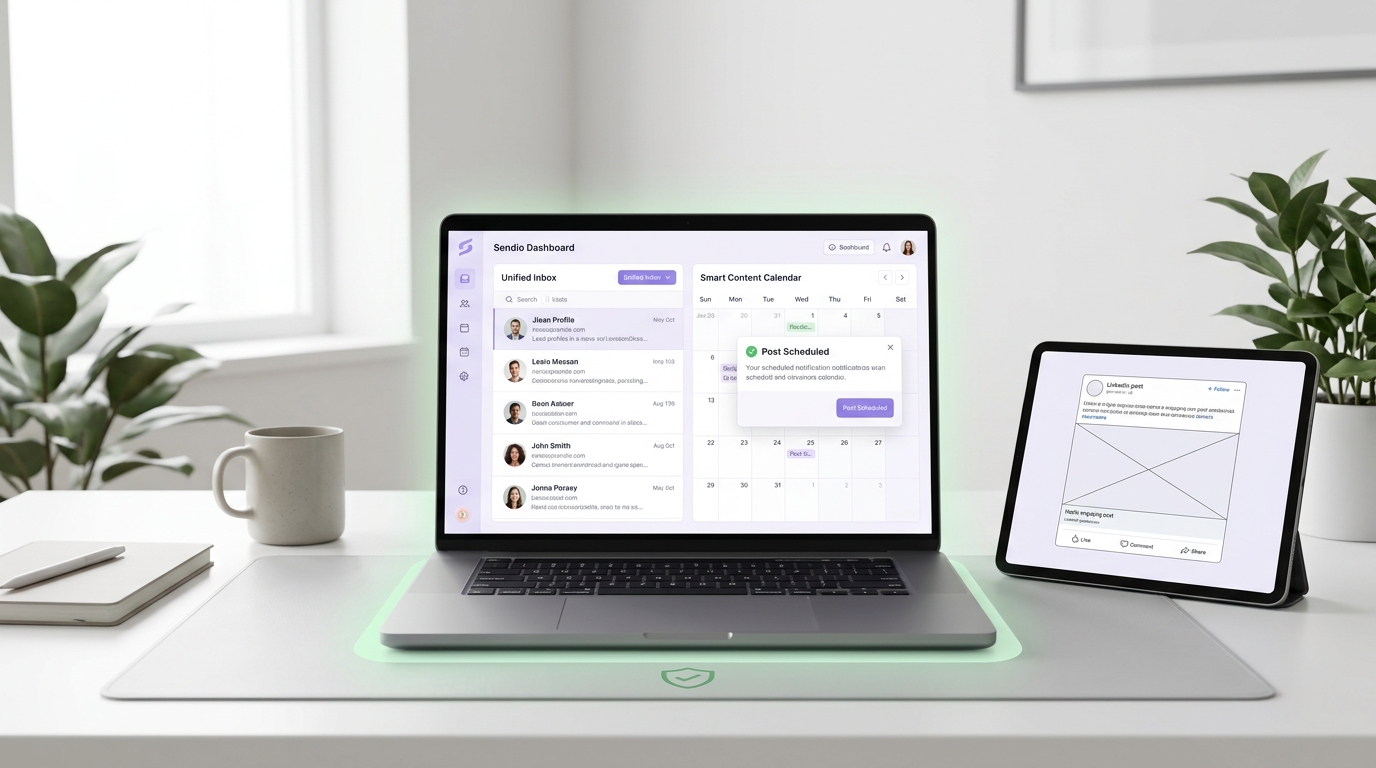
Understanding how to add a promotion on LinkedIn effectively also involves managing dates. You should set the start date for your new role and decide whether to end your previous position or let the roles overlap if you are transitioning responsibilities. This clarity helps AI-driven tools and recruiters understand your career trajectory. For those looking to scale their outreach after a promotion, using a platform like Sendio.ai can help automate the process of engaging with new high-level connections.
| Action Item | Description |
|---|---|
| Job Title | Enter your new official designation. |
| Employment Type | Specify if it is full-time, contract, or part-time. |
| Company Name | Use the exact name to ensure roles are grouped. |
| Description | Detail your new responsibilities and key achievements. |
Why Learning How to Add a Promotion on LinkedIn Matters for Networking
Your profile serves as a live curriculum vitae. Learning how to add a promotion on LinkedIn is vital because it triggers the platform's algorithm to suggest your profile to relevant stakeholders. A promotion signal often results in increased profile views, which can lead to new business opportunities or speaking engagements. It validates your expertise and shows that your current employer values your contributions.
Beyond the notification itself, knowing how to add a promotion on LinkedIn allows you to refine your personal brand. Each new title should be accompanied by a description that highlights specific results, such as revenue growth or team management milestones. This data-rich approach makes it easier for automated systems to index your skills. If your new role involves business development, integrating your updated profile with Sendio.ai can streamline how you find and contact leads relevant to your new seniority level.
Optimizing the Description After Learning How to Add a Promotion on LinkedIn
Once you have mastered how to add a promotion on LinkedIn, the content you write for the new role is what truly differentiates you. Avoid generic phrases and instead focus on quantifiable metrics. For example, instead of saying you "managed a team," specify that you "led a cross-functional team of 15 to increase departmental efficiency by 20%." This specificity is crucial for search engine optimization and internal LinkedIn searches.
When considering how to add a promotion on LinkedIn, remember to update your "Skills" section as well. New roles often come with new requirements, such as strategic planning or advanced technical abilities. Linking these skills directly to your new position provides social proof of your capabilities. If your promotion leads to a need for more aggressive sales prospecting, Sendio.ai offers AI-powered tools to manage these new professional interactions efficiently.
Common Mistakes to Avoid When Researching How to Add a Promotion on LinkedIn
Many professionals search for how to add a promotion on LinkedIn but forget to toggle the "Share with network" button correctly. If you are making multiple small edits, it is best to turn notifications off until the final version is ready. Another common error is failing to update the headline. Your headline should reflect your new status immediately, as this is the first thing people see in search results and comments.
Another oversight when learning how to add a promotion on LinkedIn is neglecting the "Media" feature. You can attach presentations, links to projects, or certificates earned during your transition. This adds a layer of depth to your profile that text alone cannot provide. By maintaining a detailed and updated profile, you ensure that automation platforms like Sendio.ai can accurately pull information to personalize your outbound communication, making your sales or recruitment efforts much more effective.
Summary of Best Practices for How to Add a Promotion on LinkedIn
- Be Precise: Use exact dates and official titles to maintain a professional timeline.
- Highlight Impact: Focus on what you achieved in the new role rather than just your tasks.
- Update Keywords: Ensure your new description includes terms relevant to your new level of authority.
- Engage Your Network: Use the notification feature of how to add a promotion on LinkedIn to restart conversations with old contacts.
- Leverage Automation: Once your profile is updated, use Sendio.ai to reach out to potential partners who would be interested in your new role.
Mastering how to add a promotion on LinkedIn is a recurring necessity in a dynamic career. By following these structured steps, you ensure your professional identity remains current, searchable, and impressive to both human recruiters and AI analysis tools in 2026. Knowing exactly how to add a promotion on LinkedIn keeps your professional momentum moving forward.